 Secondary Schools
Secondary Schools
HOT. FAST. YOURS.
Hot meals, grab & go and breaktime food — ordered ahead, ready when you are.
 Scan & goSee what's on the menu ↓
Already registered?
Download the Food Village app to order.
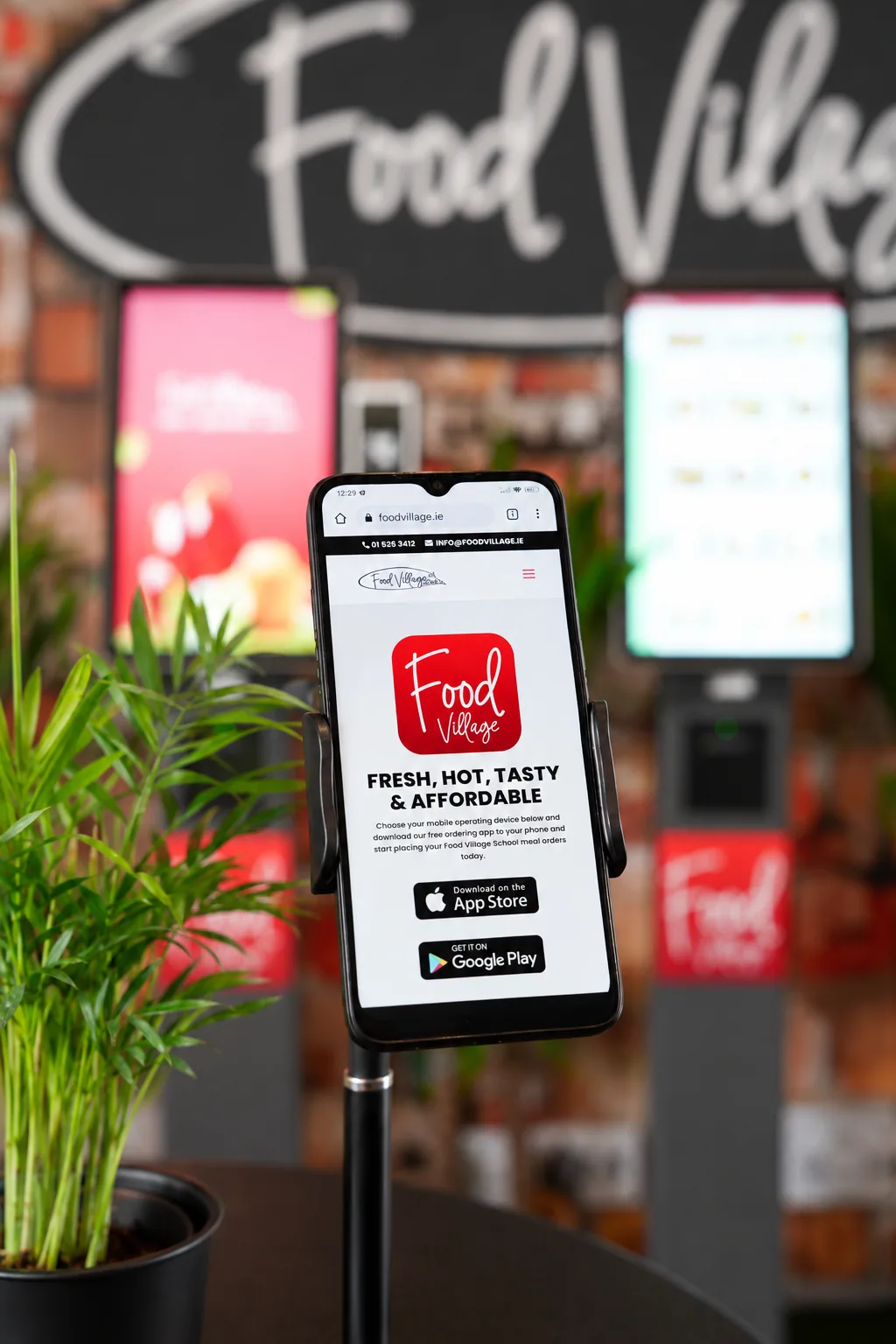
The best way to order is through the Food Village app. Download it below, or use our web portal if you prefer.
The range
Real variety. Not a catalogue.
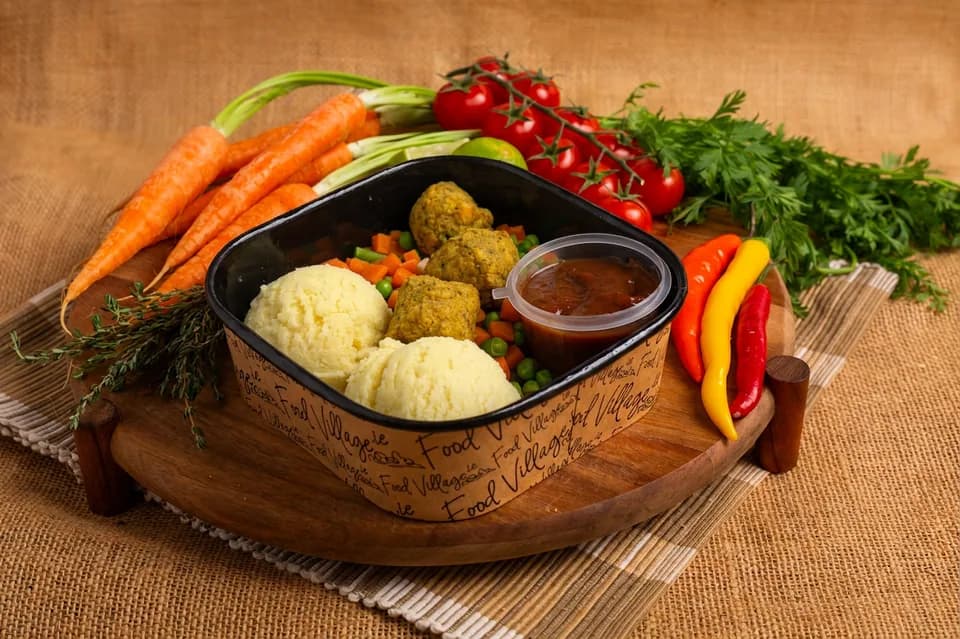
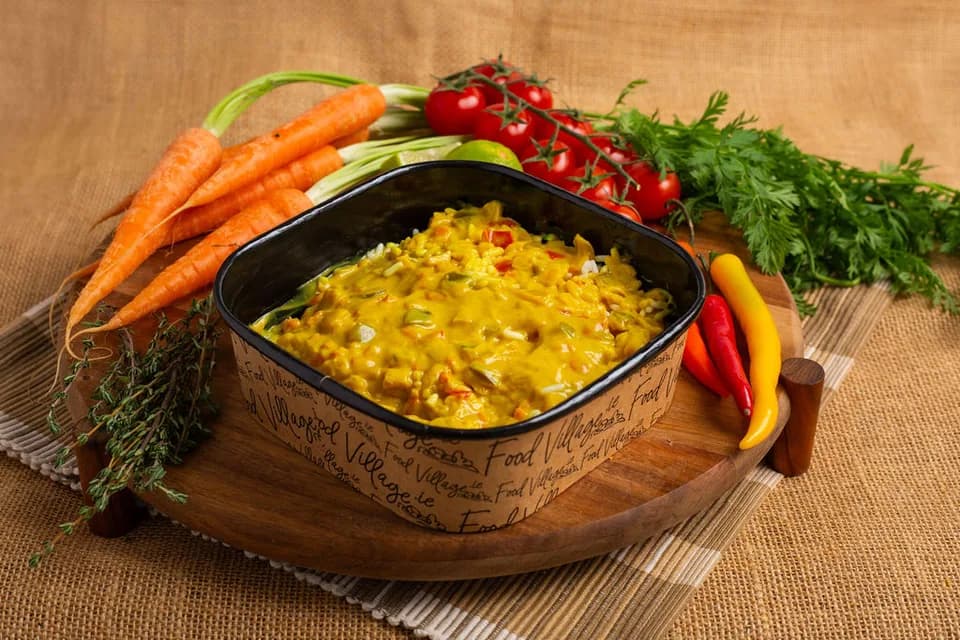
Roast dinners, rice, pasta, soups and hot baguettes — made fresh, ready to collect.
A taste of the range — expand to see more.
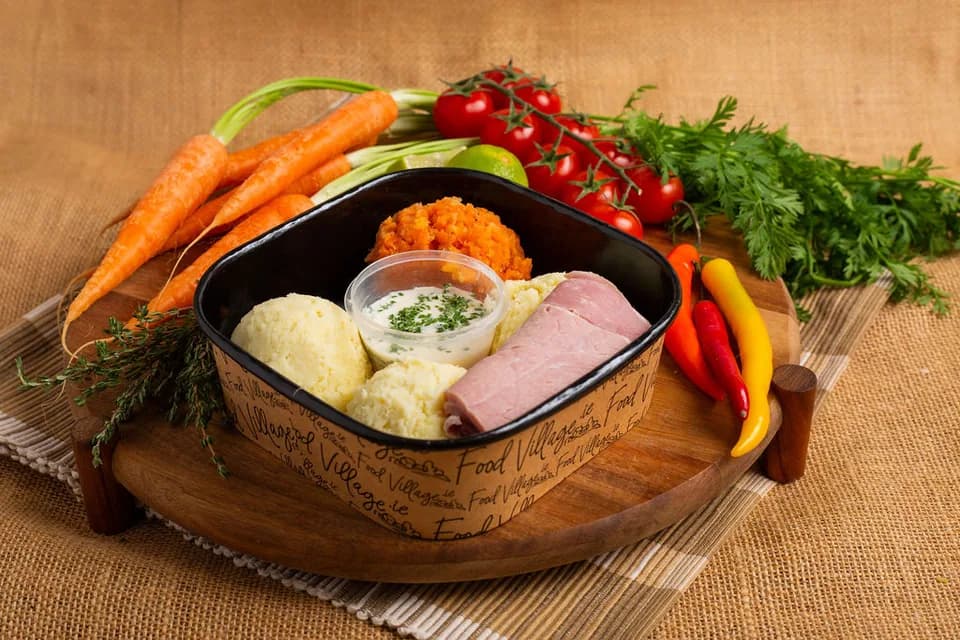
Baked Ham Mash Veg & Parsley Sauce
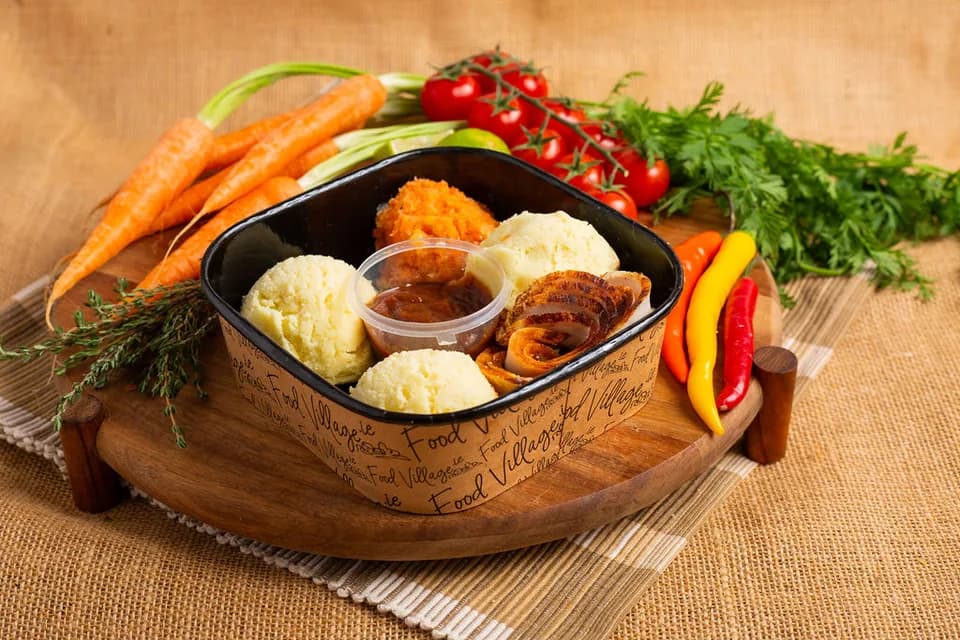
Roast Chicken Stuffing Mash Veg & Gravy
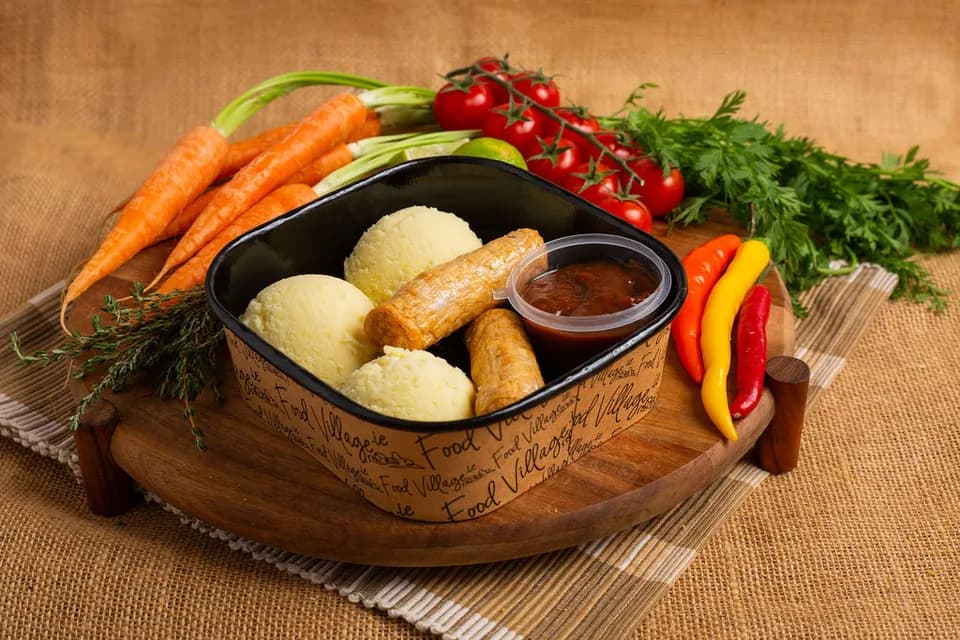
Sausages Mash & Gravy
 New
NewBaked Potato, Cheese, Beans Pot
Also available
How it works
From school code to lunch in hand.
Step 01
Open Food Village
Open the Food Village app.
Food Village in action
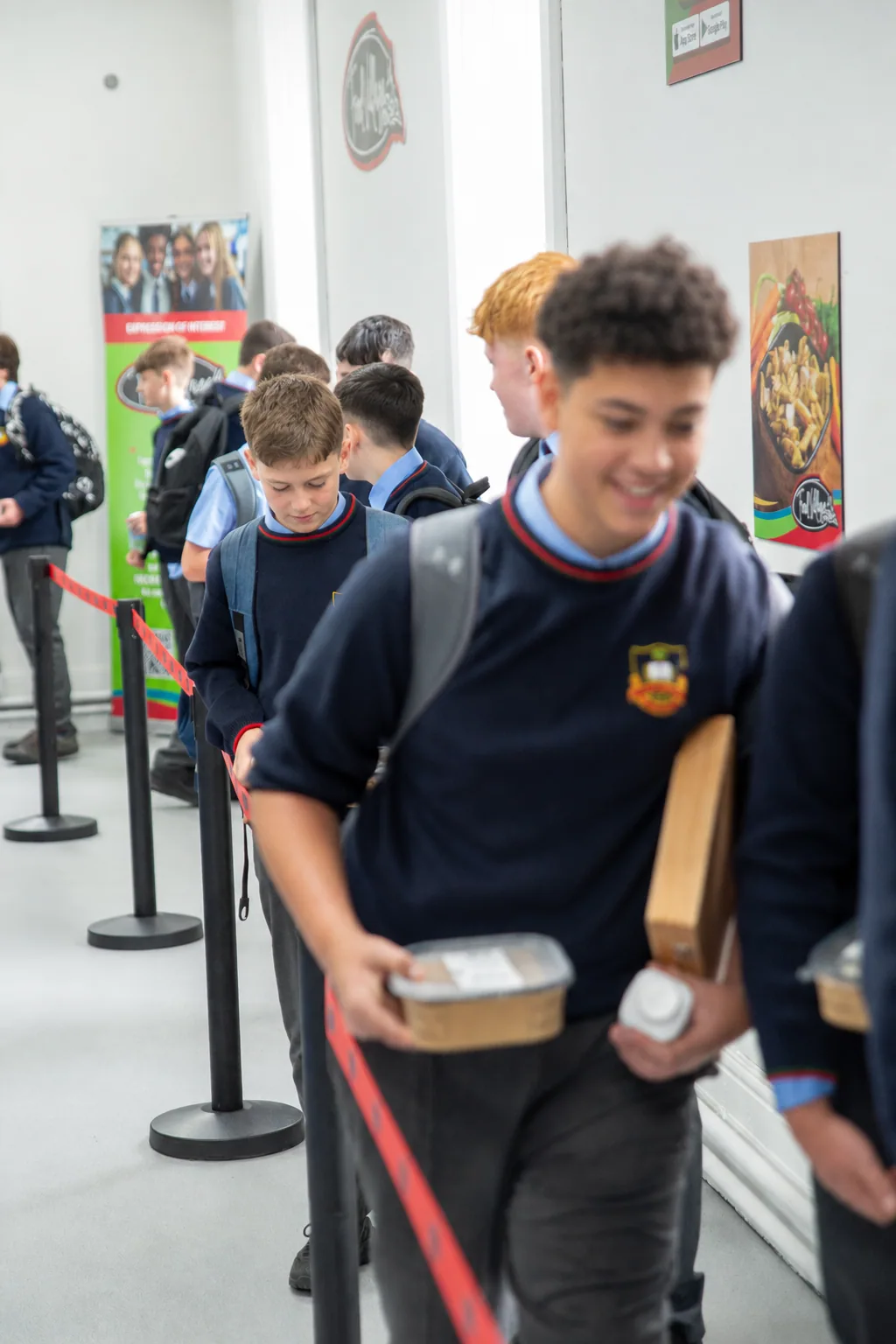
Order ahead. Collect quickly. Get on with your day.
This is what lunchtime looks like — food pre-ordered through the app, ready to collect with a quick scan of a keytag.

For you
Students, parents & teachers — Food Village is built with you in mind.
How do I order?
Pre-order through the app at least 36 hours ahead, or use Instant Purchase at the school kiosk on the day if you miss the window.
What can I get?
Hot meals, grab & go, breakfast and breaktime snacks — browse the full range above.
How do I collect?
Scan your keytag at your school's collection point.
What happens if I forget or lose my keytag?
Don't worry — you can still collect your meal. If you don't have your keytag with you, you'll need to wait until the end of the collection line so our Food Village operative can look up your name and confirm your order. Your keytag is an important part of the collection process, so if it has been lost you can order a replacement and then update the keytag linked to your account in the Food Village app.
Can I use my own bank card?
Yes — link a card to top up your wallet, or pay by card directly at the school kiosk for Instant Purchase items.
How do I get started?
Download the Food Village app, sign up as a student, and enter your school's unique code to set your menu.